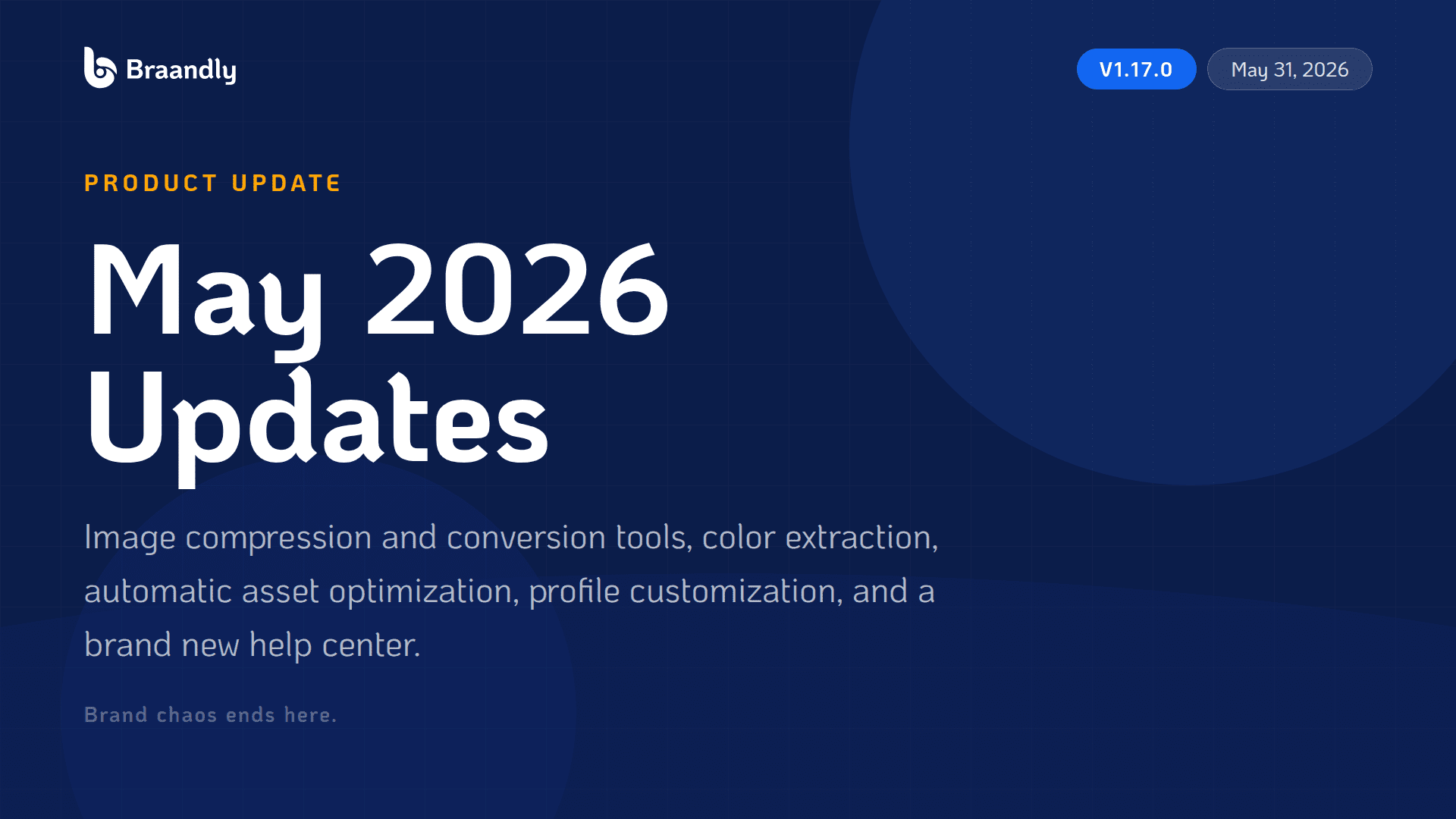
May was all about the details that slow you down every day. The file you have to compress before uploading. The color you have to manually pick after spotting it in a photo. The help article that takes three clicks to find. The editor that lost your work.
Version 1.17.0 fixes a lot of those. Here’s everything that shipped.
Image Compression and Conversion Tools
Two new standalone tools landed this month, and they’re built to work together.
The Image Compression Tool lets you compress, resize, and crop images, process up to ten files at once, compare the result against the original side by side, and save the optimized version straight to a brand. No third-party tools, no re-uploading.
The Image Converter Tool handles format conversion, including iPhone HEIC photos, SVG, PDF output, and favicon generation, with platform-sized presets built in. Once converted, you can add the file directly to a brand.
What makes these tools different from standalone tools is how they connect. You can open the same image in the compressor, converter, color picker, or color extractor in one click without re-uploading. The tools also remember your image across reloads and shared links, so you can pick up where you left off or hand off to someone else without starting over.
Import Colors from Any Image
Drop an image, get a color palette.
The new color extraction feature pulls colors directly out of any uploaded image and pushes them straight into your brand color picker. If you have a photo, a reference graphic, or a screenshot of a color scheme you want to match, you can now turn it into actual brand colors without eyedropping anything manually.
Automatic Image Optimization on Upload
Images uploaded anywhere across Braandly, including profile pictures, project covers, and task and comment attachments, are now compressed automatically before they’re saved. Faster loads, less storage, no extra steps.
Built-in Compression for Brand Assets
When you upload a logo or image while creating or editing a brand, oversized files are now flagged immediately. You can compress inline before saving, and there’s an automatic mode if you want it handled without input. Brand assets stay lightweight without ever leaving the editor.
Profile Picture Customization
You can now upload a new avatar or remove your current one through a dedicated profile picture modal, with clear guidance on accepted formats and sizes. Small change, but it’s one of those things that should have been there from the start.
New Help Center
The help center is live. Articles are organized by category, searchable from one place, and linked directly from relevant parts of the app so you land on the right article without hunting.
Each article also has a quick feedback mechanism so you can tell us whether it actually answered your question. That data shapes what we write and improve next.
Document Editor and Drafts
The document editor got a meaningful reliability pass this month:
- Steadier auto-save so work is less likely to disappear
- Automatic recovery of unsaved drafts when you return to a document
- Smoother document creation and deletion flows
- Refined toolbar controls
- Per-cell text alignment in tables
- Cleaner handling of pasted content
Signing out on a shared device now also clears only your own unsaved drafts, so other people using the same browser keep theirs. That one was overdue.
Phone Number Dial Codes Fixed
Brand contact phone numbers now use the correct international dial code for the selected country and format correctly as you type. There’s also a proper country selector in the field. Cases where the wrong country code was applied silently are fixed.
Authentication and Security
- Accounts created with Google now get clear guidance on sign-in and password screens instead of confusing errors
- If you signed up with Google, you can now add a password to your account from settings, verified by a one-time code sent to your email
- Password reset for Google accounts now includes a verification step for stronger protection
- New passwords now require at least eight characters
- Underlying framework and libraries updated across the app and backend for the latest security patches
- Content sanitization components refreshed for safer handling of links and rich text
Design and Interface
Badge Icons: Founding member, beta tester, and early adopter badges now show a distinct icon beside their label. Easier to recognize at a glance, and a small nod to the people who’ve been here since the beginning.
At a Glance
| Category | Highlights |
|---|---|
| Image Tools | Compression, conversion, color extraction, cross-tool handoff |
| Brand Assets | Inline compression on upload, automatic optimization |
| Profile | Avatar upload and removal modal |
| Help | Searchable help center with in-article feedback |
| Editor | Steadier auto-save, draft recovery, table alignment, paste handling |
| Fixes | Phone number dial codes, private drafts on shared devices |
| Security | Google account password setup, stronger password rules, framework patches |
| Design | Badge icons for founding member, beta tester, early adopter |
Dive Deeper Into the Updates
You can view the full, detailed breakdown of every change released in May here: 👉 braandly.com/changelog
Why This Matters
The tools you use to manage a brand should remove friction, not add it. Hunting for a compressor, manually entering a hex code from a reference image, losing a document draft, getting a confusing error because you signed up with Google — these are small things individually, but they add up.
May’s update chips away at that list. And as the image tools grow, they’re becoming a genuine creative utility built into the same place where you manage your brand system.
More coming in June.
Brand chaos ends here.