June opened Braandly up. We shipped a public API, an MCP server for AI assistants, and a client portal, so your other tools could finally talk to your workspace.
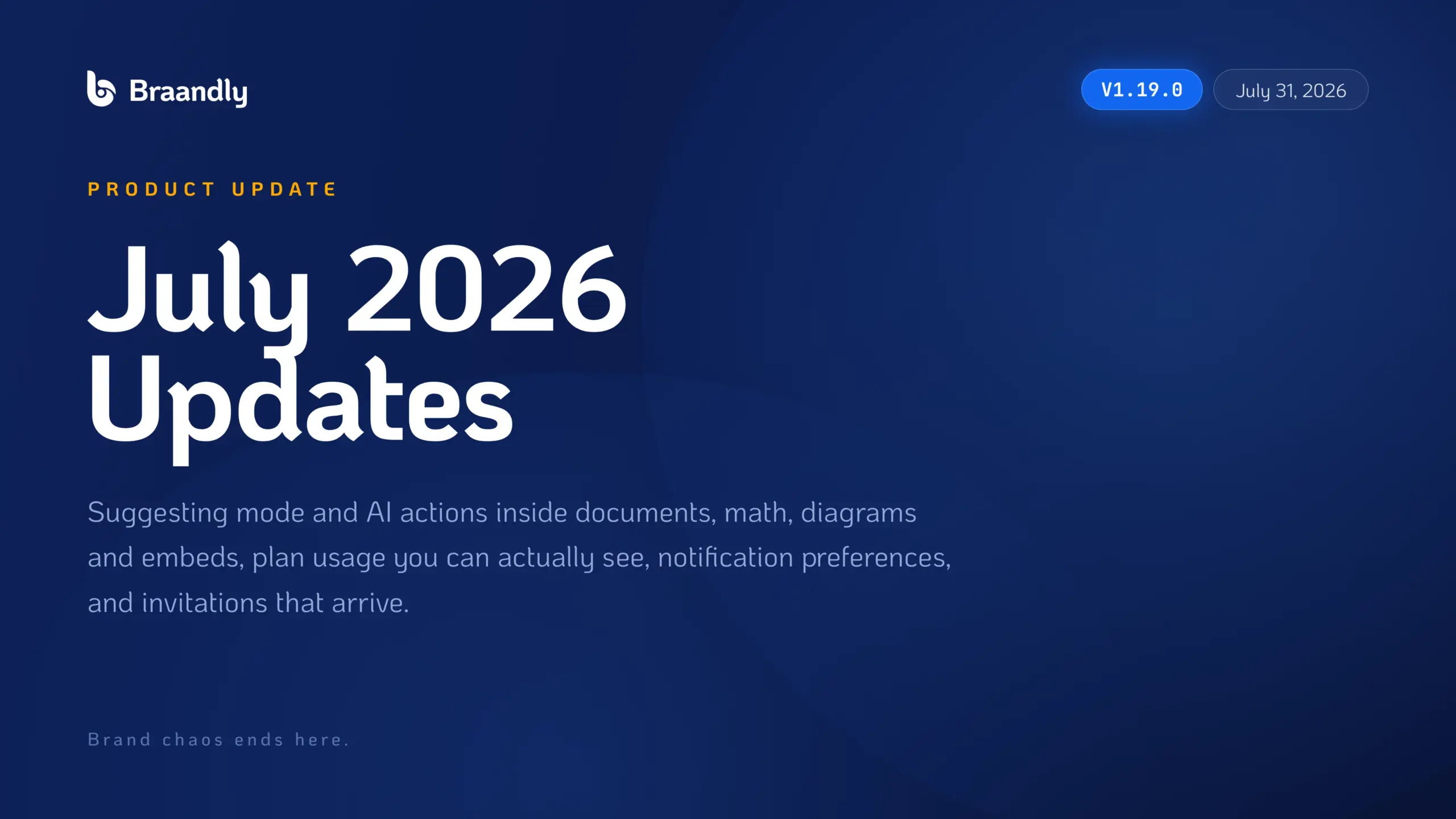
July went the other direction. We went inward, into the part of Braandly where the actual thinking happens.
Because here is the thing about brand documents. Your positioning, your voice guide, your campaign brief, your launch plan. These are not files you write once and archive. They are documents your team argues over, marks up, and rewrites for months. And until this month, Braandly documents were good at holding that work but not great at the arguing part.
So this release fixes that. Over 70 changes shipped in v1.19.0. Here is what matters.
Suggesting Mode
This is the big one.
Switch a document into suggesting mode and your edits stop overwriting the text. They appear as tracked suggestions instead, sitting alongside the original, waiting for someone to accept or reject them.
If you have ever watched a junior writer silently rewrite your positioning statement, or had a client “fix” your brand voice doc in a way nobody noticed for three weeks, you already understand why this exists. Review and authorship are two different jobs. Now the product knows that.
AI Actions on Selected Text
Highlight any passage in a document and run an AI action on just that selection. Rewrite it, expand it, shorten it, or summarise it, without leaving the page or pasting anything into a separate tool.
The important word there is “selection.” Most AI writing tools operate on the whole document, which is useless when the problem is one clumsy paragraph in an otherwise finished brief.
The Editor Grew Up
A pile of things landed at once, and together they change what a Braandly document can be:
- Math equations with proper typesetting
- Diagrams rendered from a code block, so flowcharts and sequence diagrams live beside the writing that explains them
- Link embeds that expand into live previews instead of sitting there as raw URLs
- Media and file attachments dropped straight in as their own blocks
- A document outline pane listing every heading, so you can see the structure and jump around
- Find and replace
- Collapsible headings for long documents
- Named versions, so version history reads as “Client draft” and “Post legal review” instead of a wall of timestamps
- Comment to task, turning any document comment into a real task without losing the thread
- Live word count, image alt text, block background colours, and an emoji picker
Shared documents also unfurl into branded preview cards now, and a document tied to a brand shows that brand in the editor.
You Can Finally See Your Plan
We had a quiet problem: people would hit a limit with no warning and no idea how close they had been.
There is now a usage view showing how much of your plan you have used across workspaces, projects, team members, brands, palettes, gradients, Brinks, and AI credits. A status widget sits on your dashboard, and meters appear on the pages where you actually spend.
Alongside that:
- Blocked actions now explain which limit you hit and what upgrading changes, instead of throwing a generic error
- Creating something you do not have room for tells you up front, not after you have filled in the form
- Palettes, gradients, and Brinks are now counted per workspace, so one busy workspace stops eating another’s allowance
- AI credit costs come from a single source at the point you spend them, so the number you are quoted matches the number deducted
Notification Preferences
A new Preferences tab under notifications lets you choose exactly which updates reach you in the app and by email, with a single switch to pause non-essential email entirely.
Notifications can also carry a direct link to the thing they are about now, and the unread badge finally reflects the real count.
Invitations That Arrive
We owe some of you an apology here.
Team invitations were being silently dropped. Not delayed, dropped. If you invited someone in the past few months and they never got the email, that was us, and it is fixed.
The email pipeline behind invitations has been reworked so messages retry properly instead of failing quietly, and we reprocessed the entire queue for anyone still waiting. On top of that:
- Paste or type a whole list of comma separated addresses at once
- Get a clear per address result instead of one all or nothing error
- Resend a pending invitation from the members list
- See which invitations are close to expiring
- Follow an invitation link and sign in without getting dumped on a generic page
- Retry from where you are if accepting fails
Image Tools, Rebuilt
HEIC and HEIF photos straight off an iPhone now convert instead of being rejected. That was the single most requested fix of the quarter.
The converter and compressor also got a proper rebuild: real per file progress rather than a spinner, a clear reason when a file fails, failed files kept in the queue so you can retry one without restarting the batch, and a single ZIP download for everything. Changing a setting only reconverts the files it actually affects. Settings are reachable on mobile now. Converting to PDF produces real pages instead of a broken file.
Sessions, Sign-in, and Speed
When your session ends you now get a clear notice and a clean return to sign-in, instead of silent failures on the page you were using. Signing in with Google or Facebook matches your existing account correctly, including when you have used more than one provider.
On performance: the marketing homepage paints its first screen without waiting on the bulk of its JavaScript and no longer jumps around as fonts load. Read-only visitors to a public document no longer load the full editor, so shared documents open faster on slower devices. Brand generation now retries and times out sensibly instead of hanging. And a monthly reconciliation catches any renewal that failed to top up your AI credits.
Also Fixed
White screens when leaving or reopening a document. A crash on certain public documents. Lost edits during live collaboration. The Manage Subscription button opening the wrong provider portal. Team members being blocked from checkout. The Link Docs dropdown rendering off screen. Board and theme toggle flickering. Brink links unfurling with a missing image. Profile images not persisting on save. Line breaks collapsing in brand descriptions and taglines.
We also published 26 new help articles covering plan limits, AI credits, billing, projects, tasks, documents, Brink, and real time collaboration.
The full list is at braandly.com/changelog.
What’s Next
Documents can now hold a real argument. The next question is what happens around them: how work gets scheduled, how teams talk without leaving the workspace, and how files stay organised as brands grow.
More on that soon.
Brand chaos ends here.