May was about the small frictions that slow you down every day. June is a different kind of update.
Until now, Braandly has been a place you log into. This month, it becomes something your other tools plug into. Your code. Your AI assistants. Your clients. The workspace opened up.
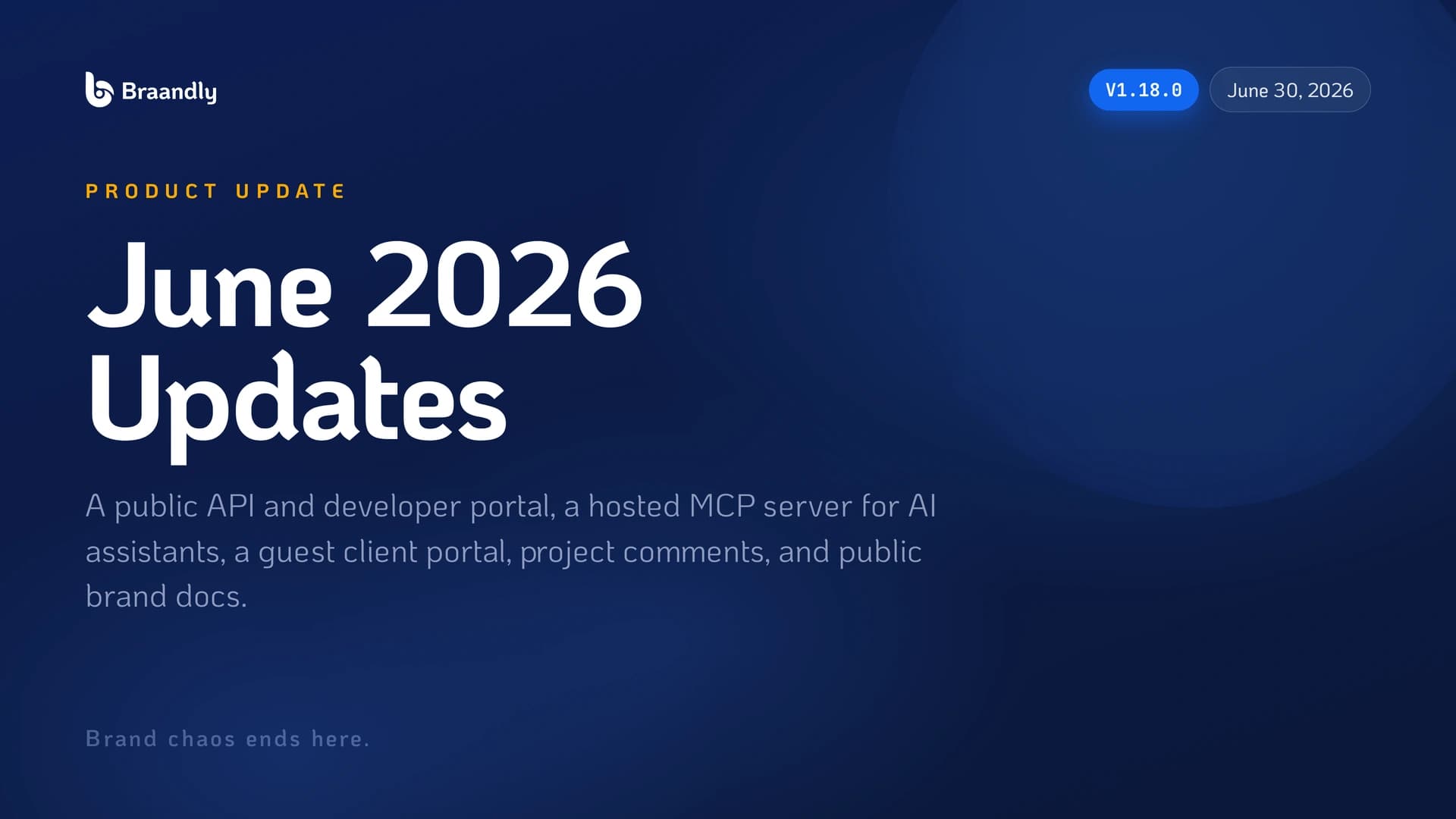
Version 1.18.0 is the biggest release we’ve shipped. Here’s everything that landed.
A Public API and Developer Portal
Braandly now has a public REST API.
You can create your own API keys, each scoped to exactly the resources and permissions you choose, read or write, per resource. Build internal tools, wire Braandly into your existing stack, or automate the parts of your brand workflow you’d rather not do by hand.
There’s a new developer portal at braandly.com/developers with interactive, searchable documentation. You can try endpoints right in the browser before you write a line of code.
The Braandly MCP Server
This is the one we’re most excited about.
Braandly now runs a hosted MCP server, so you can connect AI assistants like Claude, ChatGPT, Cursor, and VS Code directly to your workspace. Sign in once with a secure connection, and they can work across your brands, projects, tasks, documents, and more, the same way you do in the app.
Ask your assistant to create a task, pull up a brand’s guidelines, update a Brink, or draft a document, and it happens in your actual workspace. No copy-paste between tabs.
You Decide What They Can Access
Opening up to apps and AI only works if you stay in control.
Every third-party app or AI assistant now goes through a clear consent screen that shows exactly what it’s asking for before you approve it. You can review, manage, or disconnect any connected app at any time from settings. Nothing gets access you didn’t grant.
A Guest Portal for Clients
You can now invite clients as read-only guests.
Guests see a clean portal with only the projects they’re on, a dashboard, and an activity feed. Editing, internal tools, and everything else stays hidden. It’s a simple way to give a client visibility into their work without handing over the keys to your workspace.
And because guests can now comment (more on that next), they can reach the right person without an email thread.
Comments on Projects
Comment threads used to live only on tasks. Now they work at the project level too.
Guests can mention your team to get to the right person, and conversations stay attached to the work instead of scattered across DMs and inboxes.
Public Brand Docs
Mark any brand note as public and it shows up in a read-only Brand Docs tab on your public brand page.
It’s a lightweight way to share the parts of your brand that should be out in the open, tone, usage rules, do’s and don’ts, without exporting a PDF or standing up a separate site.
Code Blocks in Task Descriptions
For the more technical workflows: task descriptions now support syntax-highlighted code blocks, with a searchable language picker and one-click copy. Handy when a task is really a snippet, a config, or a command someone needs to run.
Your Board Now Updates Task Status for You
Drag a task into another column, like Done, and its status updates automatically. Watchers get notified of the change. One less manual step every time you move a card.
Under the Hood
The API and MCP server didn’t just launch, they launched with range:
- Connected apps and assistants can manage tasks, subtasks, sections, tags, comments, project members, brands, brand identity, guidelines, Brinks, and documents, matching what you can do in the app. They can even read and export Brink subscribers and customize a Brink’s appearance.
- API keys get a per-resource read and write scope picker with sensible presets. You copy a new key once at creation, and existing keys stay masked.
- Request limits for the API and MCP server are significantly higher, so agents and integrations can do real work.
- The public API and MCP server now appear as first-class entries under a new Developer category in the integrations directory, alongside new Figma and Microsoft Edge listings.
- Pricing now shows API access and MCP availability next to each plan’s limits, in a cleaner comparison.
- Document access and permission changes update in real time now, invitations trigger a notification, and public documents load fully rendered when shared, so they open fast and preview correctly.
- New help articles cover the API, MCP, and workspace roles and permissions, with improved search.
Fixes
A lot of sharp edges got sanded down this month:
- Fixed a crash that could close the whole page when saving or closing a task description, plus unreadable code blocks and an overflowing language list.
- Fixed a crash when opening certain documents, and a rare case where edits made during live collaboration could be lost. Your changes save dependably now.
- Refreshed the AI models behind brand generation so features that had started failing work again. If a generation fails or gets interrupted, your credits are refunded automatically.
- Fixed a Google sign-in error that could block signing in or signing up.
- Stopped repeated requests from piling up against usage limits, so you’re far less likely to see a “too many requests” message during normal use.
- The brand form now scrolls fully on small or zoomed screens, so the colors section is never cut off.
- Smaller fixes to brand notes, document sharing, moving sections, brand guideline access, brand doc previews, the pricing page, and the mobile homepage.
Authentication and Security
- People invited as guests stay guests after accepting, instead of being upgraded automatically.
- Member management now respects your workspace role order, so people can only invite or change roles within their own level.
- Behind-the-scenes hardening across sign-in, sharing, and our public services.
Performance and Stability
- Faster first paint on the mobile homepage.
- A hardened invitation flow that handles edge cases cleanly.
- Reworked usage limits so shared networks and busy sessions don’t trip them unnecessarily.
Design and Interface
- A shared logo component fixes aspect-ratio and rendering inconsistencies across the app.
- Refreshed Privacy, Terms, and related policies for the new AI and API features, with clear last-updated dates.
At a Glance
| Category | Highlights |
|---|---|
| Developers | Public REST API, scoped keys, interactive developer portal |
| AI | Hosted MCP server for Claude, ChatGPT, Cursor, and more |
| Access & Consent | A consent screen and management for every connected app |
| Clients | Read-only guest portal with dashboard and activity feed |
| Collaboration | Comments on projects, public brand docs, code blocks in tasks |
| Workflow | Task status follows your board automatically |
| Under the hood | Wider API and MCP coverage, higher limits, real-time doc access |
| Security | Guest role integrity, stronger team permissions, hardening |
Dive Deeper Into the Updates
The full, detailed breakdown of every change released in June is here: 👉 braandly.com/changelog
Why This Matters
For most of its life, a brand workspace is a place you go. That’s fine, until your brand work needs to happen in more than one place. Inside your AI assistant. Inside your own tools. In front of a client who just needs to see their project.
June is about meeting your brand where the work actually happens. The API and MCP server mean Braandly can run inside the tools you already use. The guest portal and project comments mean the people around your brand can be part of it without living in your workspace. And the consent controls mean opening up never has to mean losing control.
A workspace you can build on is a different kind of workspace. That’s the shift this month.
More coming in July.
Brand chaos ends here.